
 Studio
From 2D Plan to 3D Model and Render
Sketch, plan, site photo — upload any source and AI converts it into high-quality renderings. From concept to completion, 13 specialized tools transform your design workflow.Sketch, plan, site photo — upload any source and AI converts it into high-quality renderings. From concept to completion, 13 specialized tools transform your design workflow.
How It Works
From Plan to Render
Start from one image, then move into modeling, rendering, edits, and final outputs.
01
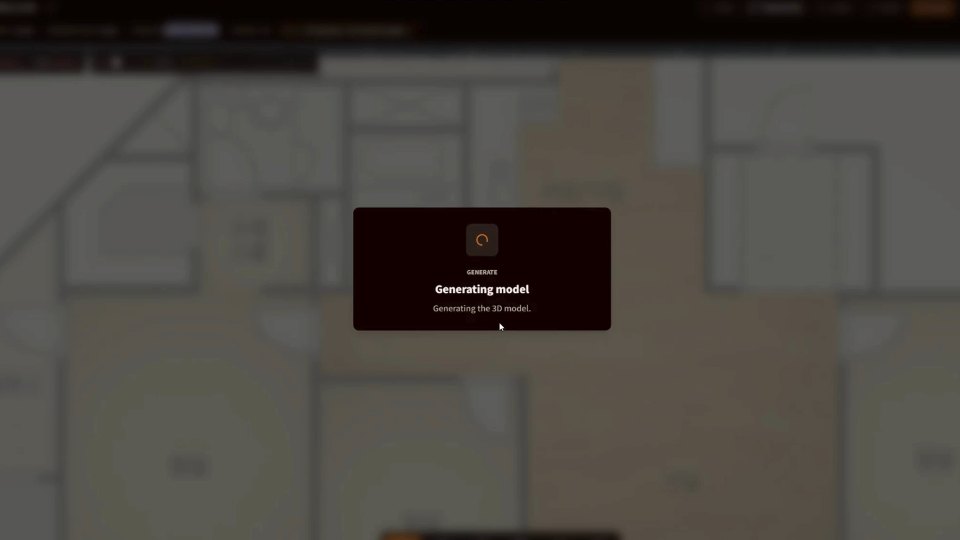
Bring in a Plan or Photo
Use a 2D plan image, site photo, or sketch as the starting point.
02
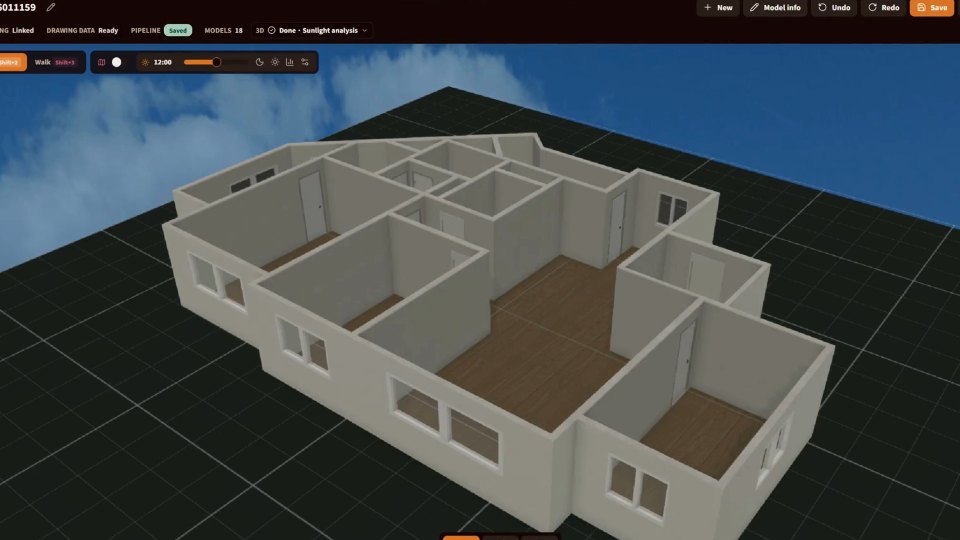
Create Model and Render Drafts
Turn the plan into a draft 3D model, then render from the view you need.
03
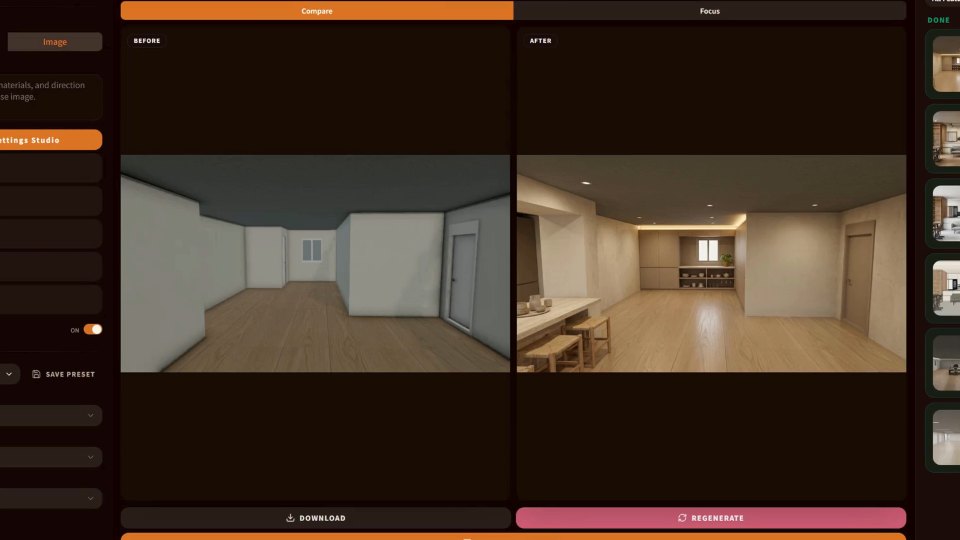
Refine and Move to Output
Refine mood, materials, details, upscale, and drawing outputs from the result.
Ideate
Start from the Plan
Build a draft 3D model from a 2D plan image, or start rendering from text, sketch, or photo.
Modeling
Upload a plan image, build a draft 3D model, and continue into rendering from the model view.
Image Rendering
Generate from text alone or render from a base image while preserving composition and form.
Refine
Refine
Adjust mood, materials, and local details from the model or rendered result.
Mood Shift
Apply a global mood retouch to one image by changing time and weather naturally.
Texture Edit
Apply a global finish retouch to one image by naturally changing floor, wall, ceiling, and opening textures.
Precise Edit
Edit textures or objects within a selected region.
Camera Adjust
Change camera view, lens, and framing.
Isometric
Turn a 2D floor plan into a dimensional 3D isometric render.
Finalize
Finalize
Export the finished model as a file you can keep editing or hand off in CAD, SketchUp, and other external tools.
HD Upscale
Increase image resolution and recover detail.
2D Blueprint Extract
Extract floor plans, sections, and elevations from a 3D rendering.
CAD and SketchUp Export
Export as DXF, DAE, or GLB for CAD and SketchUp editing or handoff.
Assets
Asset Management
Keep active jobs and saved results ready for the next edit.
Job Progress
Review other work while a job runs, then continue from the completed result.
Archive
Browse and manage generated images.
Pricing
Choose based on your workflow and team size
FAQ