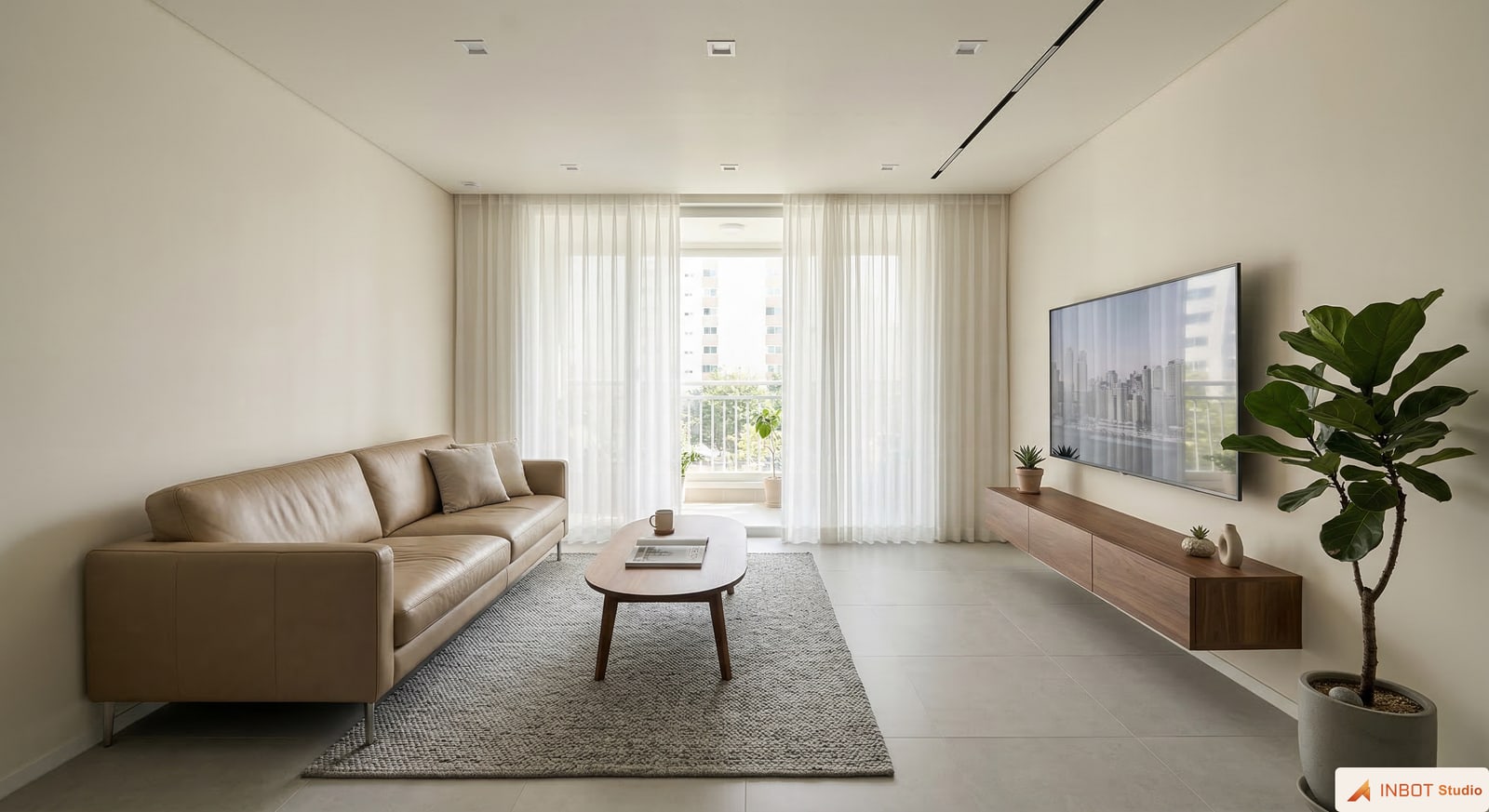
01
Decide what stays and what changes
Keep the good parts of a render or site photo, then mark only the awkward area for editing.
AI IMAGE EDITING
Use AI interior image editing to refine a render or site photo without starting over. Select the awkward area, clean up details, then continue into local edits or upscaling.
A sample image, edit area, and replace mode are already selected.
Change the instruction, or generate it as is to compare the result.
How it works
Keep the good parts of a render or site photo, then mark only the awkward area for editing.
Guide only the detail that needs work, such as a furniture zone, wall section, lighting feel, or small object.
Upscale the revision or keep it ready as a shareable image, proposal visual, or saved result.
Practical guide
Separate what should stay from what needs work, then continue into local edits, upscaling, or shareable images.
Before remaking the whole image, separate the scene to keep from the area to fix.
The clearer the selected area is, the steadier the result tends to be.
Separate what stays and what changes in one clear sentence.
Keep the good result and fix only the table, light, wall section, or other detail that feels off.
Remove small props, furniture, or details that distract from the image.
Clean up distracting parts before sharing so the image feels ready for a proposal.
Related features
FAQ